Animate Splash Screen
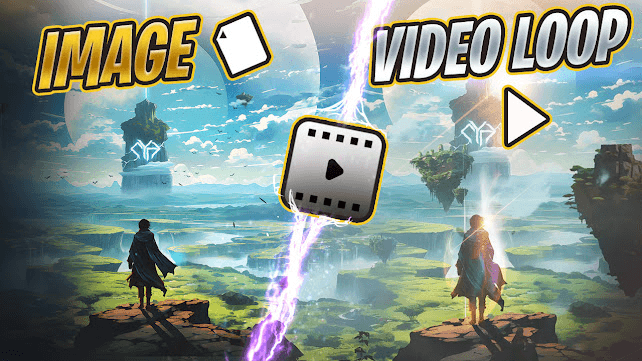
What's a Splash Animation
Splash animations are those captivating looping visuals you see on game login screens or steam pages. They’re very popular for music visualizers, live wallpapers, streamer content and a number of uses.
They’re created by carefully cutting up the original artwork, repainting the separated areas, and isolating each moving element (like body parts) on individual layers in Photoshop. These layers are then imported into animation software such as After Effects, Spine 2D, Live2D, or MOHO to introduce movements.
How I Animate Splashes
I distribute it in 3 main setups
Image Cutting: Cutting up the artwork and deciding where animation is needed.
Animation: Animating the artwork that was cut.
Post Process: Adding VFX and other additional elements to enhance the animated version such as Smoke, overlay, particles etc.
Image Cutting
Cut out big chunks from the image such as >>Foreground >>Midground >>Background.
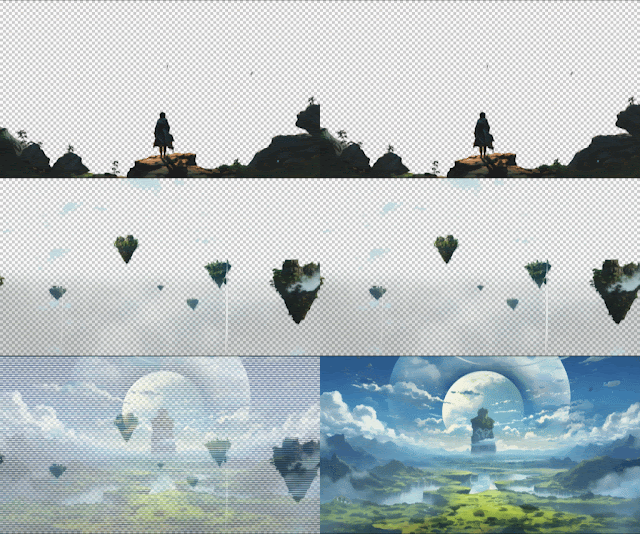
From these 3 big chunk you have to separate the medium sized items. Like plants from this front mountain.
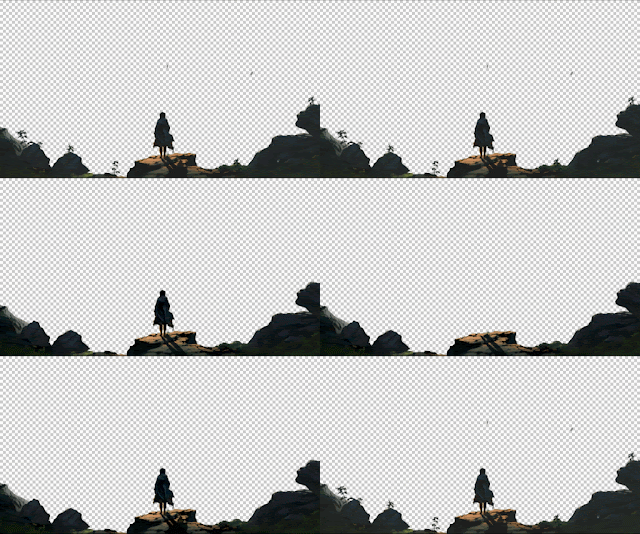
Now look for organic item that could be closest to the viewer and cut it out. Then cut it into parts further to make it a focus point of your video. In my case it the character, isolate him, then separate the parts such as the robe, hair, hands etc.
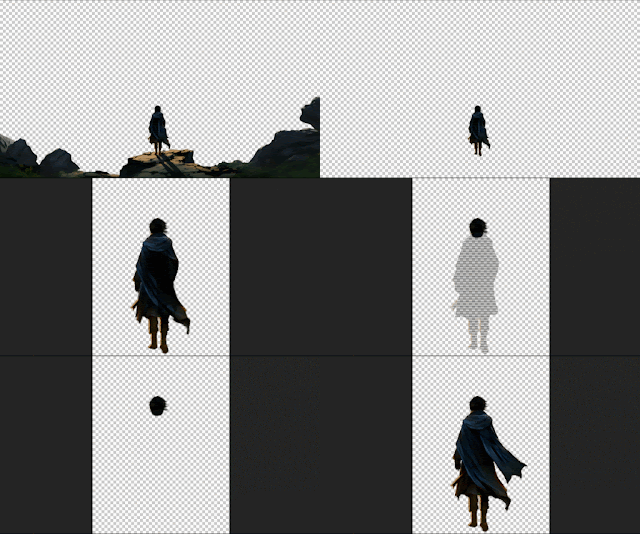
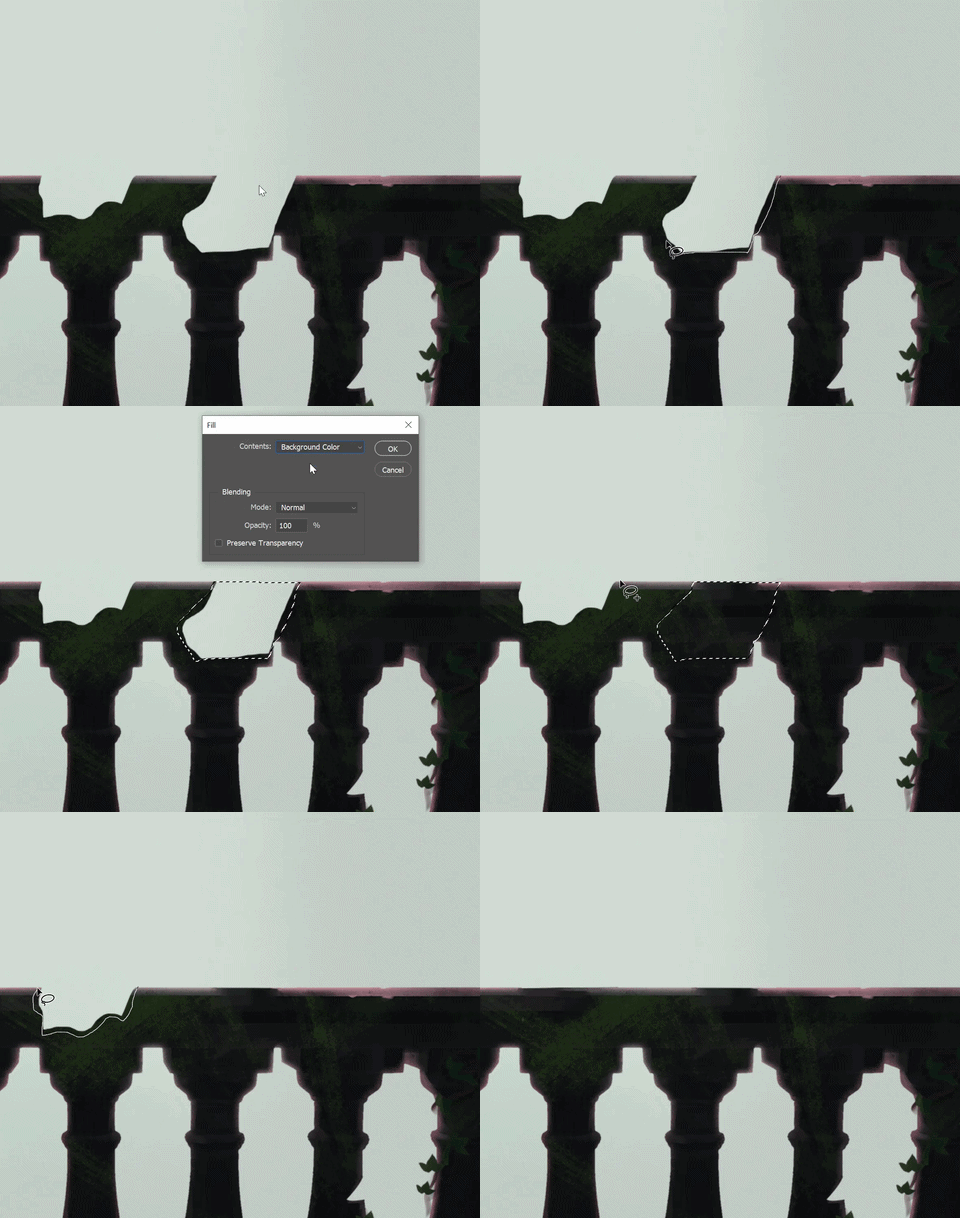
Now when you cut the parts out, the cut area become empty. To fix this there is only one way that I know of which is that you have to repaint those parts.
Content Aware
Now, the way you can repaint is, either just paint if you know digital painting or try special photoshop tools such as content aware fill and healing tools. Work great specially with newer versions of photoshop.
Animation setup
Foreground: In my case, character, foreground plants, shadows.
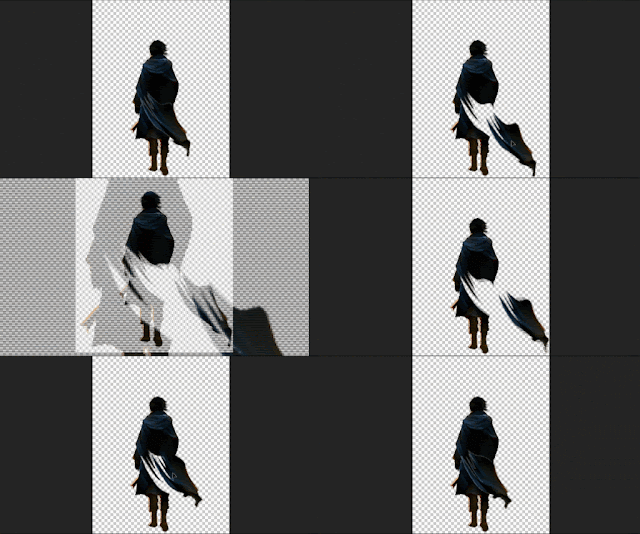
Usually I like to start animation with the focus subject (in my case its the character), he's standing on a mountain top so there will be wind. So I'll animate his Robe and Hair.
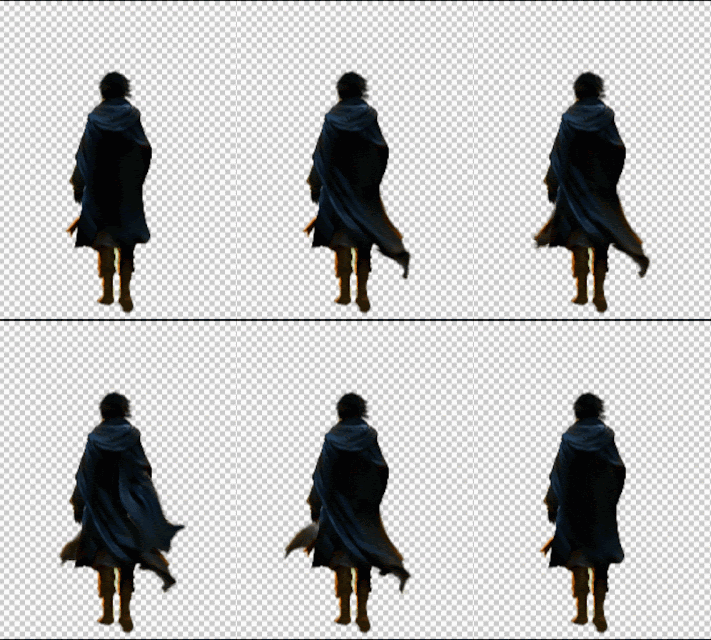
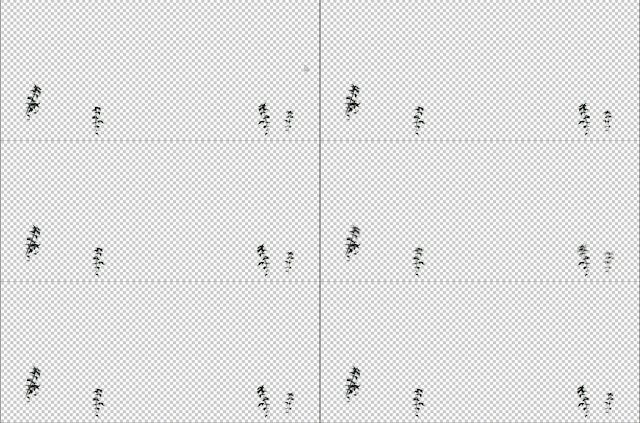
Once done, I'll proceed to animating the plants, the same way affected by the wind as hair and the robe.
Midground: Here I have floating islands and clouds. Let's forget clouds for now. Focus on the islands,
I will make them move sideways but before that lets to go for an extra step that could really make it appealing.
Using the "special fx" I will try to make a water simulation, duplicate it and place it on each island as if the water is falling from these islands. Very tiny detail but it really adds a sense of depth.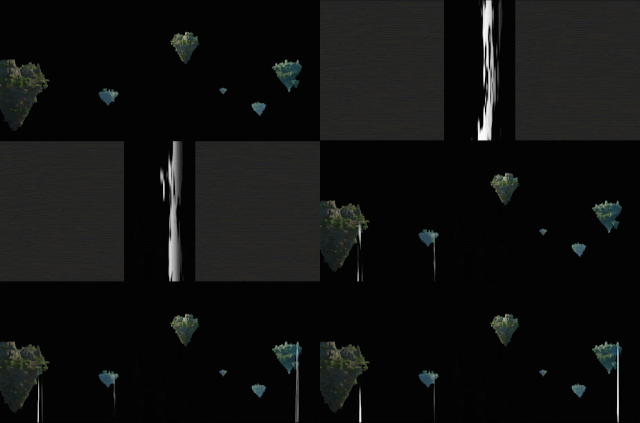
Here I'm using fractal noise effect in AE to create something that looks like a distant waterfall, which will be placed on the floating islands that are inside a pre-composition.
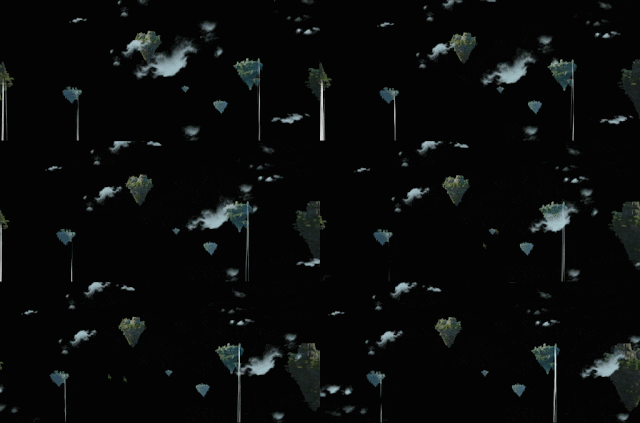
Now since the islands and waterfall were inside the precomp, we can simply make the composition move sideways, it'll all move together as one. To add depth I will also animate the clouds the same sideways like the islands. Just keep their speeds different 'cause things don't move at same speed. The wind will affect the objects differently depending on their mass and vulnerability to its effect.
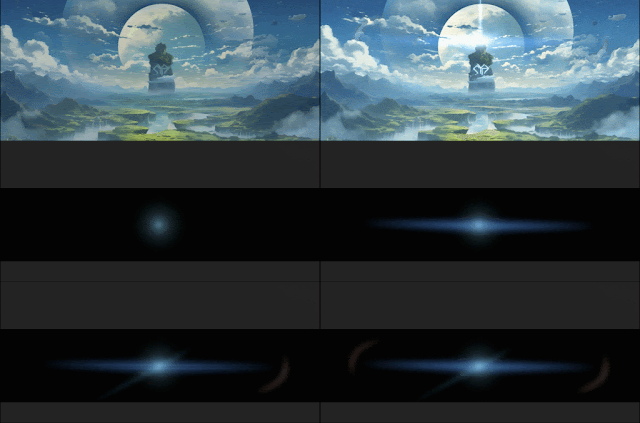
Background: We have interesting things going on in background. A beam is passing from the mountain through the clouds.
I can animate that through "special fx" you can either use a plugin such as VC Optical Flares for this, but here I'll create the flare myself with shapes.
You can use free to use particle overlays for that purpose. But I will make a custom overlay for this video so it stays in one theme.
Will create floating leaves and tiny glowing particles that could be fireflies.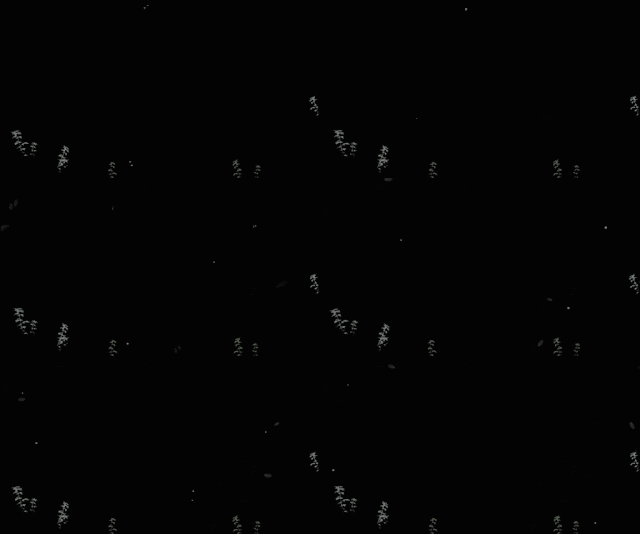
Here's the final result
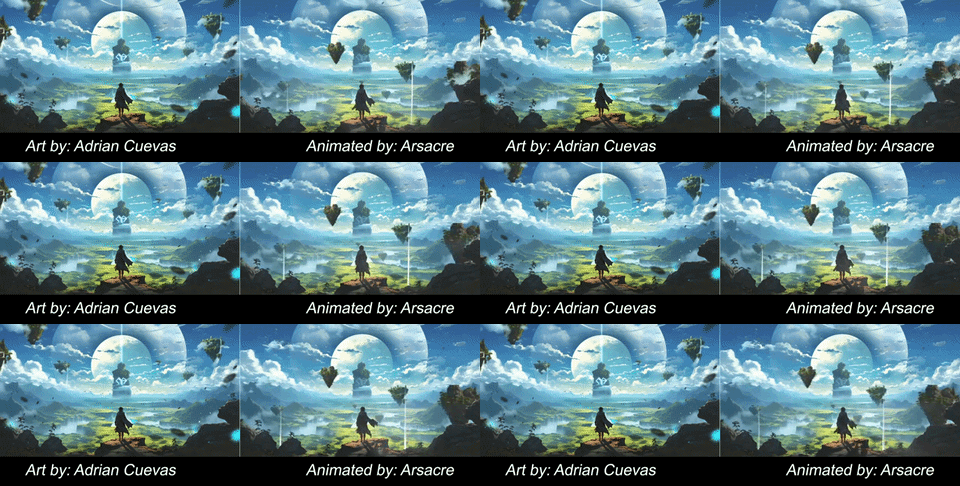
Do note that this is only a brief overview of the full process let's say 5%. It should be very helpful to you in getting started and start doing your own splash animations.
Back
Interested in learning?
Copyright © Arsacre, 2026
Privacy Policy
Terms & Conditions
